FreeWeb · iOS · Android
Your health, properly logged.
Workouts, food, sleep, water, weight, blood pressure, labs and 10 more trackers on one day timeline. Log it on the web or your phone, sync your wearables, or let your AI do it.
Free on web, iOS and Android.
- WebThe web appEvery tracker, the day timeline, quick log
- PhoneThe mobile appiOS + Android, with Apple Health and Health Connect
- AIMCP + REST APIClaude, ChatGPT, Cursor or your own scripts
- WhoopLive
- OuraLive
- Apple HealthVia iPhone app
- Health ConnectVia Android app
The lineup
- 01
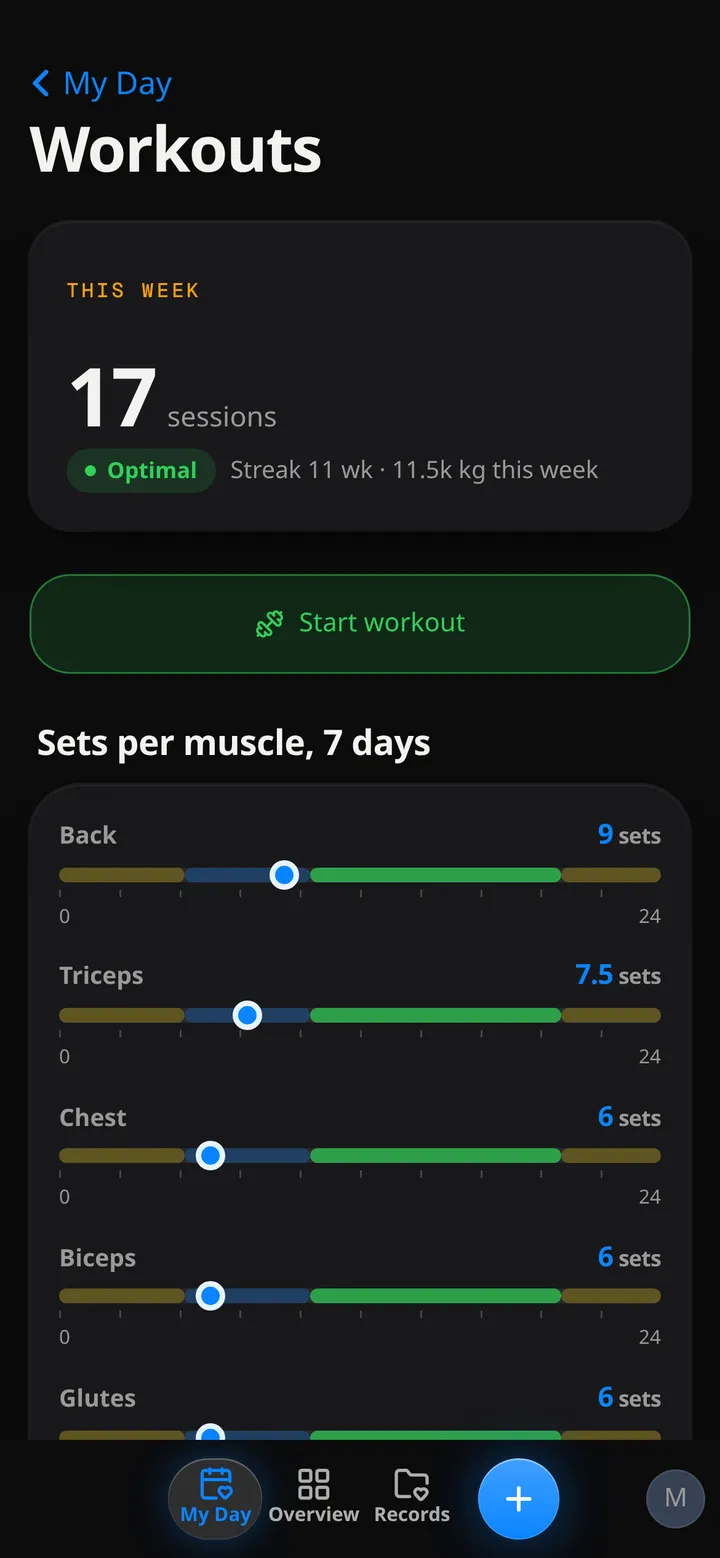
Workouts
Sessions, sets and reps, plus weekly volume per muscle group.
- 02
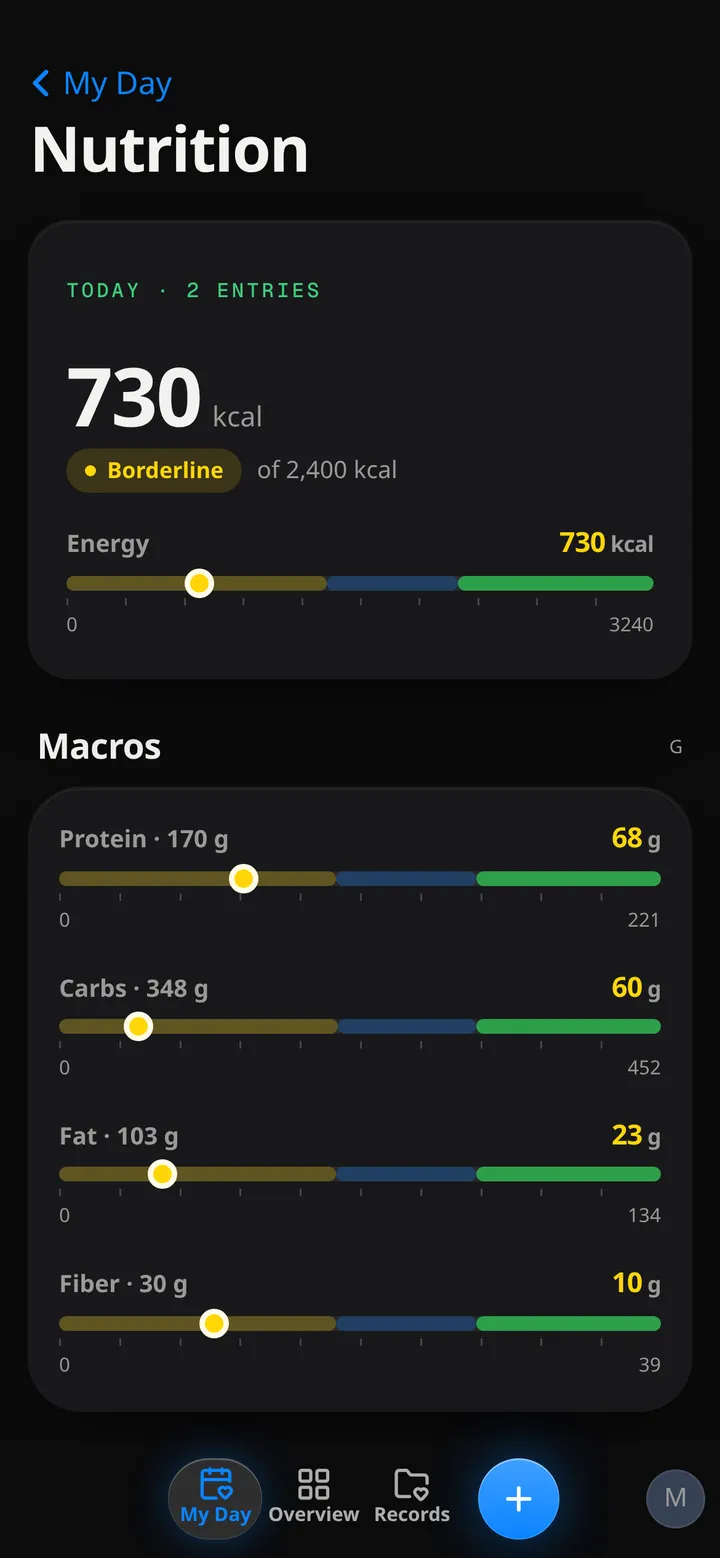
Nutrition
Meals with calories, protein, carbs, fat and fibre.
- 03
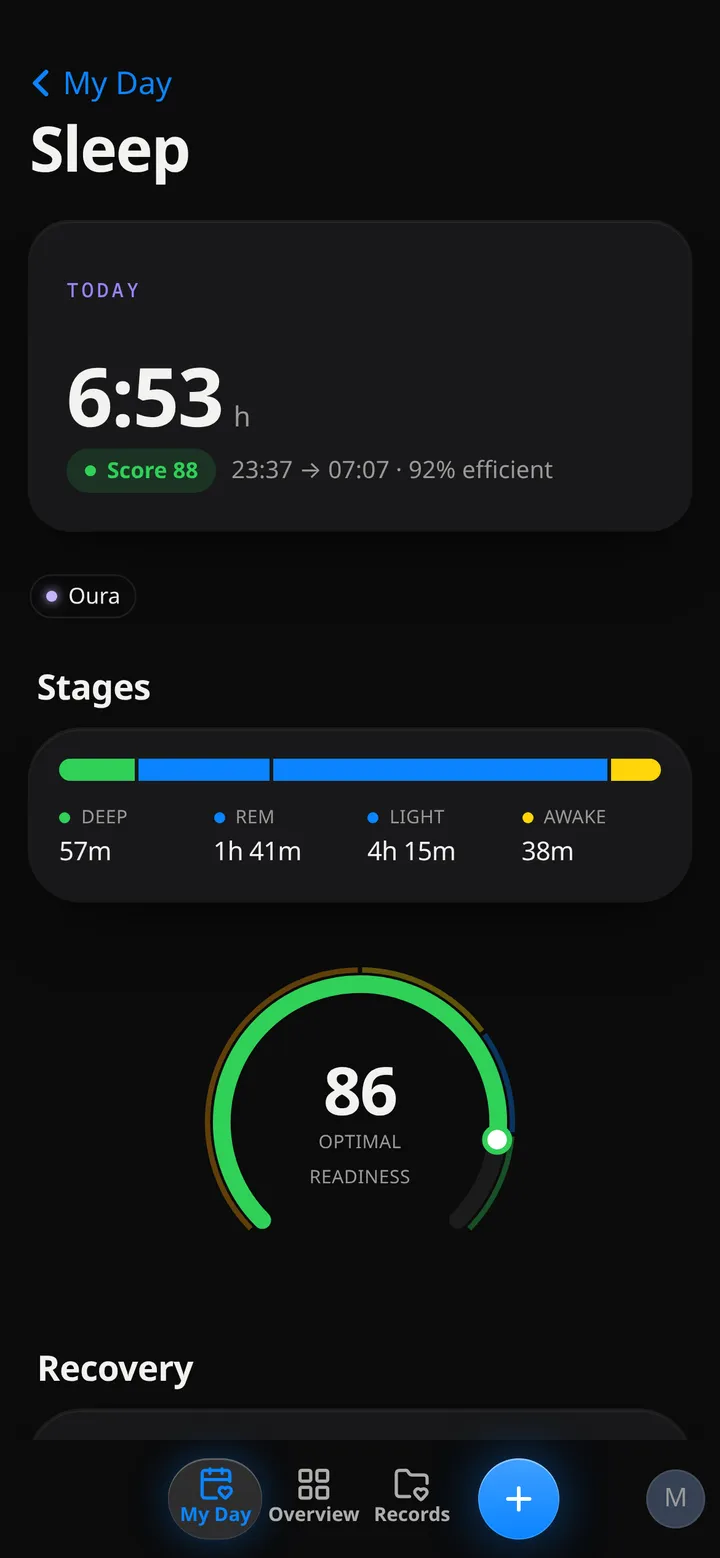
Sleep
Duration, stages and readiness, typed in or synced.
- 04
Hydration
Water and every other drink, with caffeine and alcohol.
- 05
Weight + body
Weight against your goal, BMI and body measurements.
- 06
Blood pressure
Systolic, diastolic and pulse, with a 7-day average.
- 07
Pain
Where it hurts, how much, and how it changes over time.
- 08
Supplements
Supplements and meds: what you took and when.
The real thing
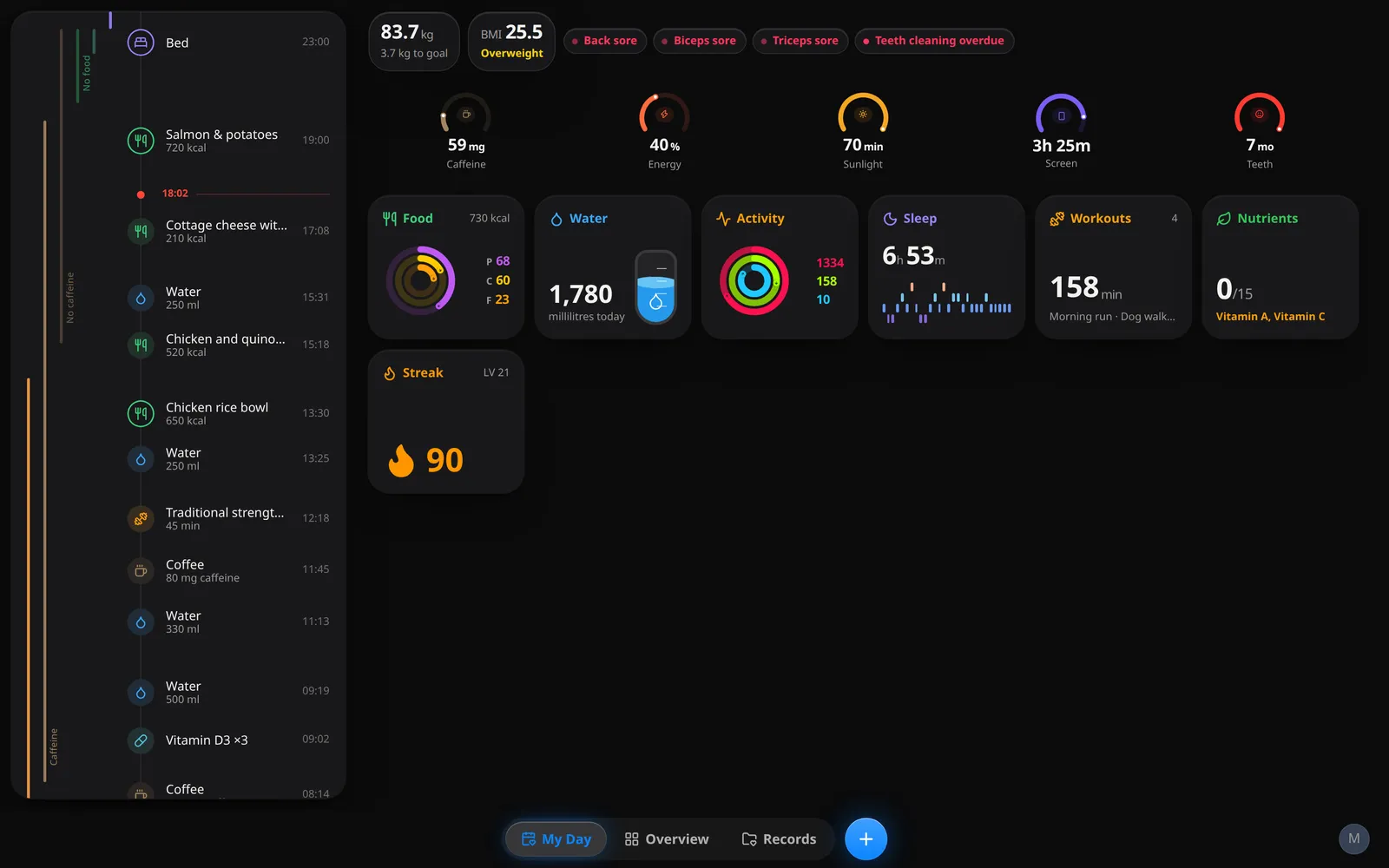
Three steps
- 1
Start free
Set your height, weight and goal.
- 2
Log your first thing
Water is a one-tap start.
- 3
Connect a wearable
Or install the phone app for Apple Health / Health Connect.
Your AI can log it too
- 1
Make a key
Settings → API Keys. A key acts as you and only sees your data.
- 2
Plug it in
Add the MCP server to Claude, ChatGPT, Cursor or any MCP client, or call the REST API from a script.
- 3
Just ask
“Log 500 ml of water.” “How did I sleep this week?” It reads and writes your real data.
curl -X POST https://healthmaxx.app/api/v1/hydration.log \
  -H "Authorization: Bearer zts_…" \
  -H "Content-Type: application/json" \
-d '{"day":"2026-10-08","ml":500}'https://healthmaxx.app/api/mcp
Free
Straight answers
Is it free?
Yes. Every tracker, connector, chart, lab panel and photo, plus MCP and the REST API, with no plan limits.
I bought Pro. What changes?
Nothing is locked any more. An App Store subscription you bought stays on your Apple ID until you cancel it there (Settings › your name › Subscriptions).
Who makes it?
Kitze (@thekitze), an indie developer. Questions, bugs and ideas go to [email protected].
Is it open source?
No. Open means open to your tools: the web app, the mobile app, MCP and the REST API all read and write the same data.
What does it connect to?
Whoop and Oura connect today. Apple Health (iPhone) and Health Connect (Android) sync through the mobile app. More are on the way.
Can my AI read and write my data?
Yes. Create an API key in Settings, then add the MCP server to your AI client or call the REST API. A key acts as you, sees only your data, and you can delete it at any time.
Who can see my data?
You. Your data sits on servers in the EU and travels over encrypted connections. It is not sold or used for ads, and the analytics never receive your health data. A community with privacy controls is coming; nothing is shared unless you choose to share it.
Can I delete everything?
Yes. Deleting your account in Settings removes your data, or email [email protected] and it gets deleted for you.
Is it medical advice?
No. It is a tracker, not a doctor. Take anything that worries you to one.
Is this Benji?
It's the health half of Benji, rebuilt. Benji split into HealthMaxx (health) and Kanso (productivity).